
Change Toolkit
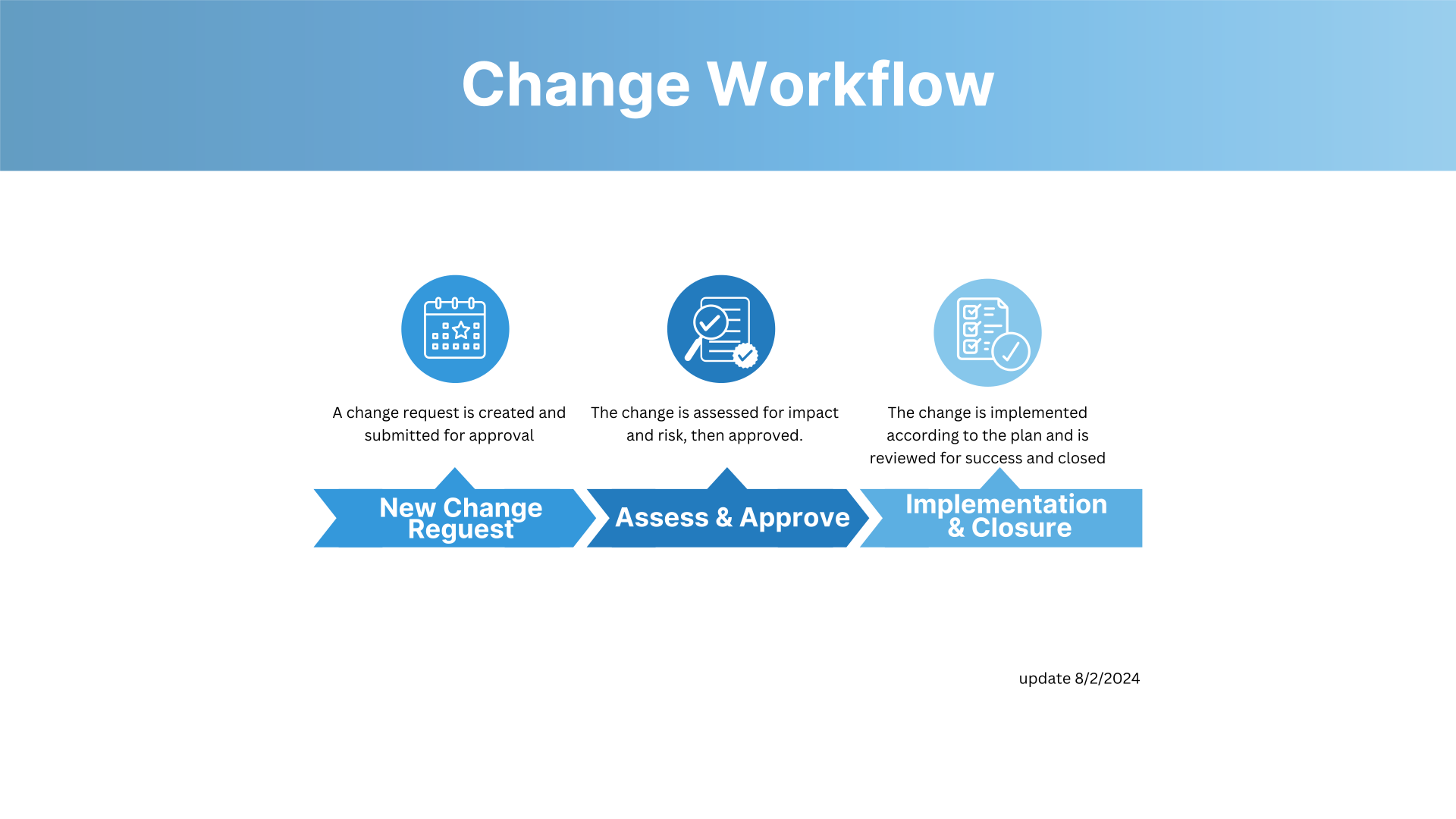
Change Approval Timelines
This table outlines the required submission deadlines, review responsibilities, and approval steps for each type of change. Following these timelines ensures proper risk assessment, stakeholder visibility, and scheduling before deployment.
| Change Type | Submission Deadline | Review By | Approval By | CAB Approval | Implementation Window |
|---|---|---|---|---|---|
| Standard (New) | ≥ 5 business days before implementation | — | Service Manager | Required | As scheduled |
| Normal – Low | ≥ 2 business days before implementation | Change Manager | Service Manager | Not required | As approved |
| Normal – Medium | By 9:00 AM on the day of the CAB meeting (week prior to implementation) | Change Manager | Service Manager | Required | As approved |
| Normal – High | By 9:00 AM on the day of the CAB meeting (week prior to implementation) | Change Manager | Service Manager | Required | As approved |
| Emergency | As soon as possible after identification | — | Service Manager | Emergency CAB (Post-Approval) | Immediately or ASAP |
Quick Reference:
- Review By: Responsible for ensuring documentation quality, risk assessment, and readiness before approval.
- Approval By: Finalizes readiness and business alignment before CAB decision.
- CAB Approval: Confirms overall risk posture, service impact, and final scheduling for deployment.
Communication Lead Times
Clear and timely communication reduces disruption, improves user preparedness, and ensures support teams are equipped to respond. All change-related messaging must be delivered within the minimum lead times below.
| Audience | Communication Type | Lead Time | Content Expectations | Example |
|---|---|---|---|---|
| Campus (External) | Broad service announcement (e.g., Y News, Status Page, email, homepage banner) | 2–3 weeks before implementation | High-level, non-technical summary focused on what, when, why, and impact. Include downtime details and support resources. | “OIT will perform maintenance on the student Wi-Fi network on Oct. 25 from 10 PM–2 AM. During this time, Wi-Fi will be unavailable campus-wide. This work improves reliability and speed.” |
| OIT Internal (Technical Teams, OPS, TSC) | Technical notification (Teams, email, internal digest) | At least 2 business days before implementation | Detailed technical info including scope, risk, rollback, verification steps, and contacts. | “On Oct. 25, Wi-Fi access points will migrate to a new controller platform. Risk: brief authentication delays. Rollback: revert controller config. Validation: test AP health and device connectivity.” |
| CSR / Service Desk | Operational readiness message (email, internal knowledge, handoff doc) | At least 48 hours before implementation | Customer-facing impact, known issues, expected tickets, FAQs, and troubleshooting scripts. | “Planned maintenance may cause login errors. Advise users to retry after 2 AM or contact the Service Desk if issues persist.” |
Additional Requirement for Campus Communications
If your change involves complex details or alters how customers interact with a service (e.g., “Box is changing how users access shared folders”), a dedicated support webpage must be created and linked in the announcement. Campus channels like Y News are limited to a short paragraph, so the webpage should include step-by-step instructions, screenshots, FAQs, and additional context.
Need help? Contact the Change Management team for support with webpage development strategy, including structure, timing, and content recommendations.
Documentation Guidelines
A complete and well-documented RFC speeds up approvals, improves communication, and reduces risk. The following fields are required for all Normal and Emergency changes.
| Field | What to Include | Best Practice | Example |
|---|---|---|---|
| Short Description | A 1–2 sentence summary of the change. | Use the format: Action + System + Impact. | “Upgrade database for student registration system.” |
| Description | Purpose, details, scope, impacted services, timeline, and reason for the change. | Include clear context and avoid jargon. | “The database supporting the registration portal will be upgraded to v15.2 for improved performance and security. Outage expected 10 PM–2 AM.” |
| Verification Plan | How success will be confirmed after implementation. | Specify what will be tested, how, and by whom. | “Run load tests and verify portal response times. Service Desk will confirm successful student logins.” |
| Contingency Plan | Steps if the change fails, including rollback and communication. | Include trigger conditions, actions, and responsible parties. | “If error rates exceed 5% in 10 minutes, revert to v14.9 backup and notify stakeholders.” |
Tips for Success:
- Incomplete or vague fields are the top cause of CAB rejections.
- Always write short descriptions in language a non-technical audience can understand.
- Verification and contingency plans must be specific, measurable, and realistic.
What is CAB
The Change Approval Board (CAB) is OIT’s final decision-making body for approving medium- and high-risk changes before they move into production. Its purpose is to ensure changes are fully assessed for risk, readiness, business impact, and alignment with organizational priorities. CAB provides governance and oversight to minimize disruption, maintain service reliability, and support successful change implementation.
CAB meets weekly to review changes that require elevated scrutiny, verify that documentation and communication standards are met, and confirm that proper testing, rollback, and verification plans are in place. Emergency changes are reviewed after implementation to assess risk, validate response, and capture lessons learned.
Board Members
Brent Moore, Architecture
David Caldwell, Operations
Mike Holdaway, Network
Sean McHenry, Security
Jason Douglas, Platform
Linda Connell, CMDB
Nancy Norman, Faculty
Mike Gibson, Student Resource
Frank Staheli, Data
Tyler Johnson, SRE
Sherwin Harris, Paul Olsen, Levi Antoine (Alternate Representation), TSC
So You’re Invited to CAB – Here’s What You Can Expect
Being invited to the Change Approval Board (CAB) is a normal part of the change process. CAB is here to support you — serving as an extra set of eyes to validate risk, readiness, and communication plans before implementation. Once your change is approved, the responsibility for that decision shifts to CAB, giving you the backing you need to move forward with confidence.
Here’s what the process looks like and how you can prepare:
| Stage | What Happens | How You Can Prep |
|---|---|---|
| Presentation | The implementing engineer or service owner walks CAB through the change details — including purpose, scope, timing, and potential impact. | Be ready to clearly explain what the change is, why it’s happening, and how it impacts services or users. |
| Review & Assessment | CAB evaluates the change based on risk, impact, readiness, documentation, and communication plans. | Ensure all RFC fields (short description, description, verification, contingency) are complete, accurate, and written for a broad audience. |
| Clarifying Questions | Members may ask questions to fully understand the change and its potential impact before approval. | Anticipate questions about risk, rollback, testing, and communication. Practice explaining key points without jargon. |
| Decision & Outcomes | CAB will either approve the change or approve with modifications. Any requested changes will be documented in the change record. | Review potential outcomes in advance so you know what follow-up actions may be needed. Plan for adjustments if CAB requests modifications. |
| After the Meeting | Outcomes are documented and shared. If modifications are required, update the change record before proceeding. | Double-check your action items, update documentation if needed, and confirm communication plans are ready for execution. |
Need support? The Change Management Team is here to help. If you have questions about documentation, communication, or expectations before CAB, reach out — we’re happy to walk through the process with you.